
Property Management · Reports
Property reports
See collections, outstanding dues, a month's bills, the rent roll, empty units and complaints, then print them or export to Excel.
Property Reports shows how your building is doing: what came in, who owes, which units are empty and how complaints are handled.
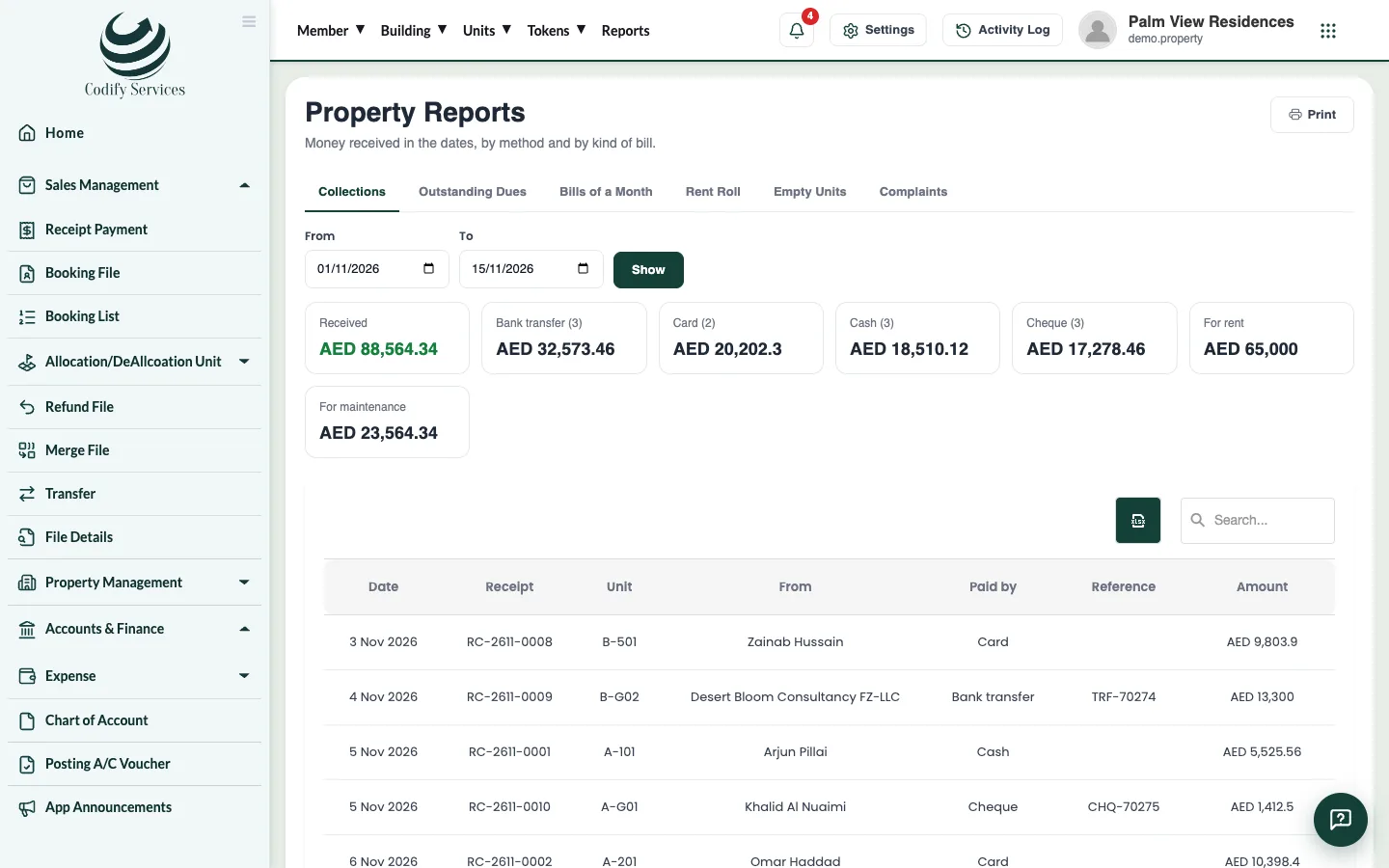
Steps
- Open Sidebar > Property Management > Reports.
- Choose a report:
- Collections: money received in the dates, by method and by kind of bill.
- Outstanding Dues: what each unit owes, and how long past its due date.
- Bills of a Month: a month's bills: billed, received, still to receive.
- Rent Roll: every running lease with its rent now, deposit held and rent due.
- Empty Units: units no one lives in, and leases ending in 60 days.
- Complaints: complaints made in the dates, by kind, and how long they took.
- Enter the dates (From, To) or the Month, and press Show.
- Press Print, or export the grid to Excel.
Good to know
- Your role needs the Reports permission under Property Management.
- The builder's sales reports (dues and outstanding of files, receipts) are in the Reports window of the top menu.
Related
Ready to try it? Open Property Management