
Property Management · Units and residents
Add owners, tenants and family members
Add the residents of each unit, choose who gets the bills, bring in owners from your sales records and mark people who move out.
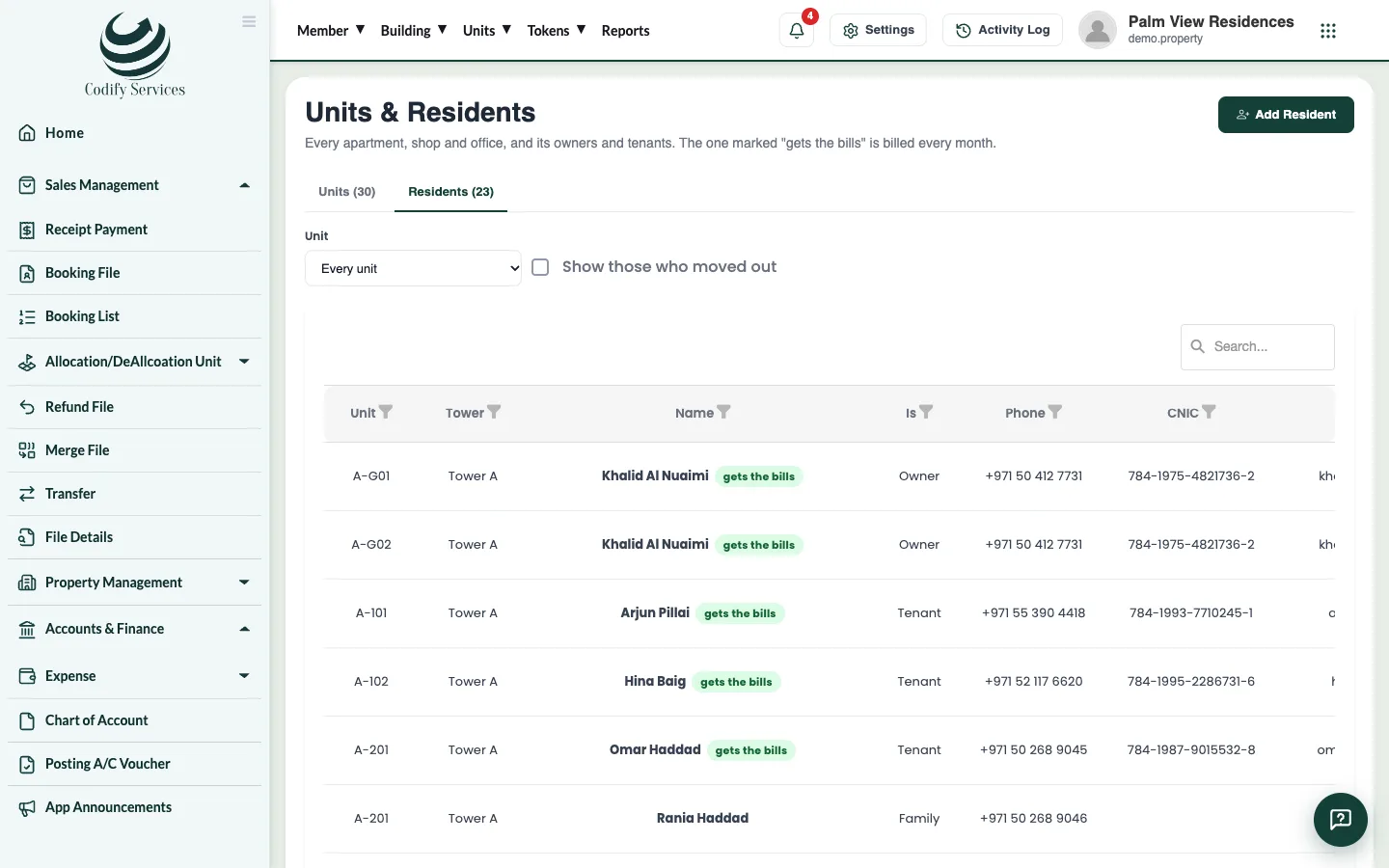
Each unit can have several residents: its Owner, a Tenant and Family members. One resident of each unit is marked to get the unit's maintenance bills.
Before you start
- The unit must be added. See Add towers, floors and units.
Steps
- Open Sidebar > Property Management > Units & Residents and press Add Resident.
- Choose the Unit.
- Under Is the, choose Owner, Tenant or Family.
- Enter the Name, Phone, CNIC and Email, and the date Since.
- Tick Gets the unit's maintenance bills for the person who pays.
- Press Save.
When someone moves out
- Open the Residents tab.
- Press Moves out next to the person (or edit them and untick Lives here now, with the Moved out on date).
- Tick Show those who moved out to see former residents.
Good to know
- A tenant who pays rent also needs a lease: add it in Leases. See Let a unit with a lease and monthly rent.
- Owners from Sales brings in the owners of the units sold in the sales records (booking and allotment). Owners already there are left as they are, and an owner whose unit was transferred is moved out.
- The Units tab shows who gets each unit's bills and what is due. Press the residents button of a unit to see only its people.
Related
More in Units and residents
Ready to try it? Open Property Management