
Property Management · Leases and rent
Make the month's rent bills
Make a rent bill for every running lease in one go, at its current rent with its yearly increase.
If you let units to tenants, you make the month's rent bills in one click. Each running lease gets one bill at its rent, with the increase written in the lease.
Before you start
- Each tenant needs a running lease. See Let a unit with a lease and monthly rent.
Steps
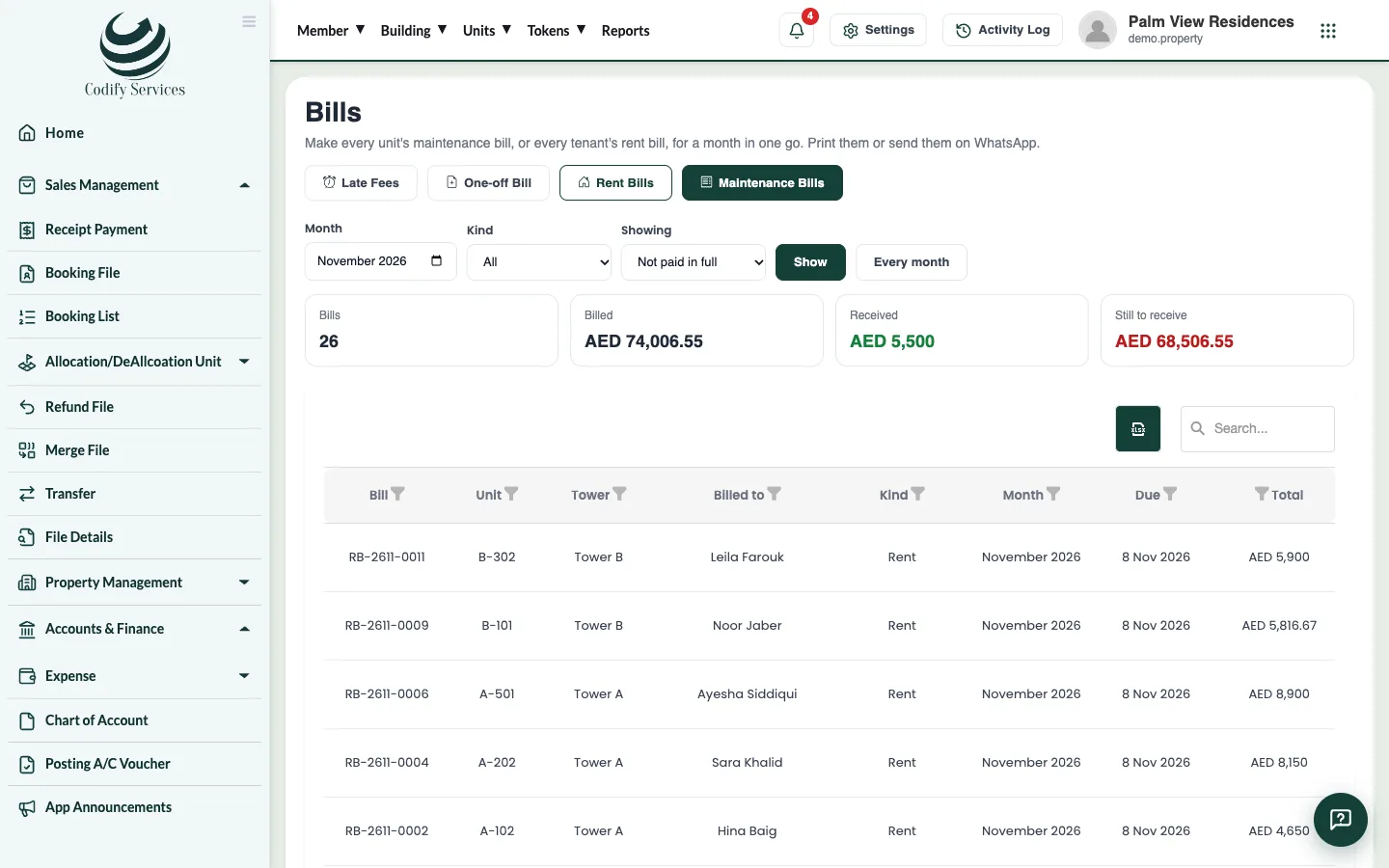
- Open Sidebar > Property Management > Bills.
- Press Rent Bills.
- Choose the Month.
- Check the Bill date and Due date.
- Press Make the bills of ....
- Choose Kind: Rent in the filters and press Show to see them. Open one to Print it or send it on WhatsApp.
Good to know
- A lease that already has its bill of the month is left out.
- No rent is billed for months after a lease ends.
- If you change a lease's rent, the new rent is used for the bills made from then on.
- Rent and maintenance bills are separate bills. A payment can pay both, or only one kind.
Related
More in Leases and rent
Ready to try it? Open Property Management