
Property Management · Units and residents
Give owners the mobile app
Make or reset an owner's mobile app password, send it on WhatsApp, and post announcements the owners see in the app.
Owners who bought from you can use the mobile app to see their files, installments, receipts, statements and your announcements. They log in with their CNIC and an app password.
Steps
Give an owner the app password
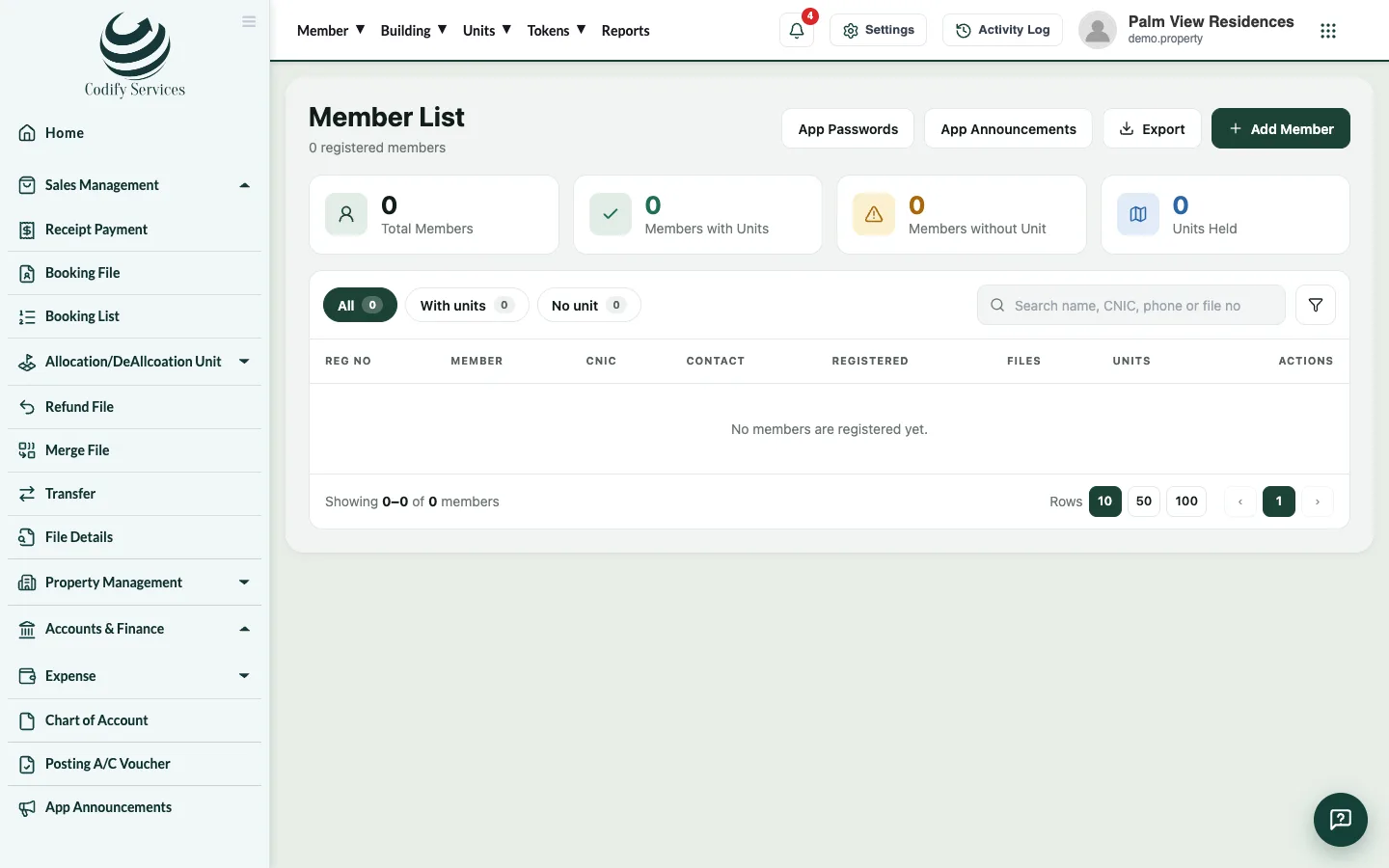
- Open Top menu > Member > Member List.
- Find the owner and open their profile.
- Press Mobile App Login.
- Make or reset the password, then press Copy or Send on WhatsApp.
Post an announcement
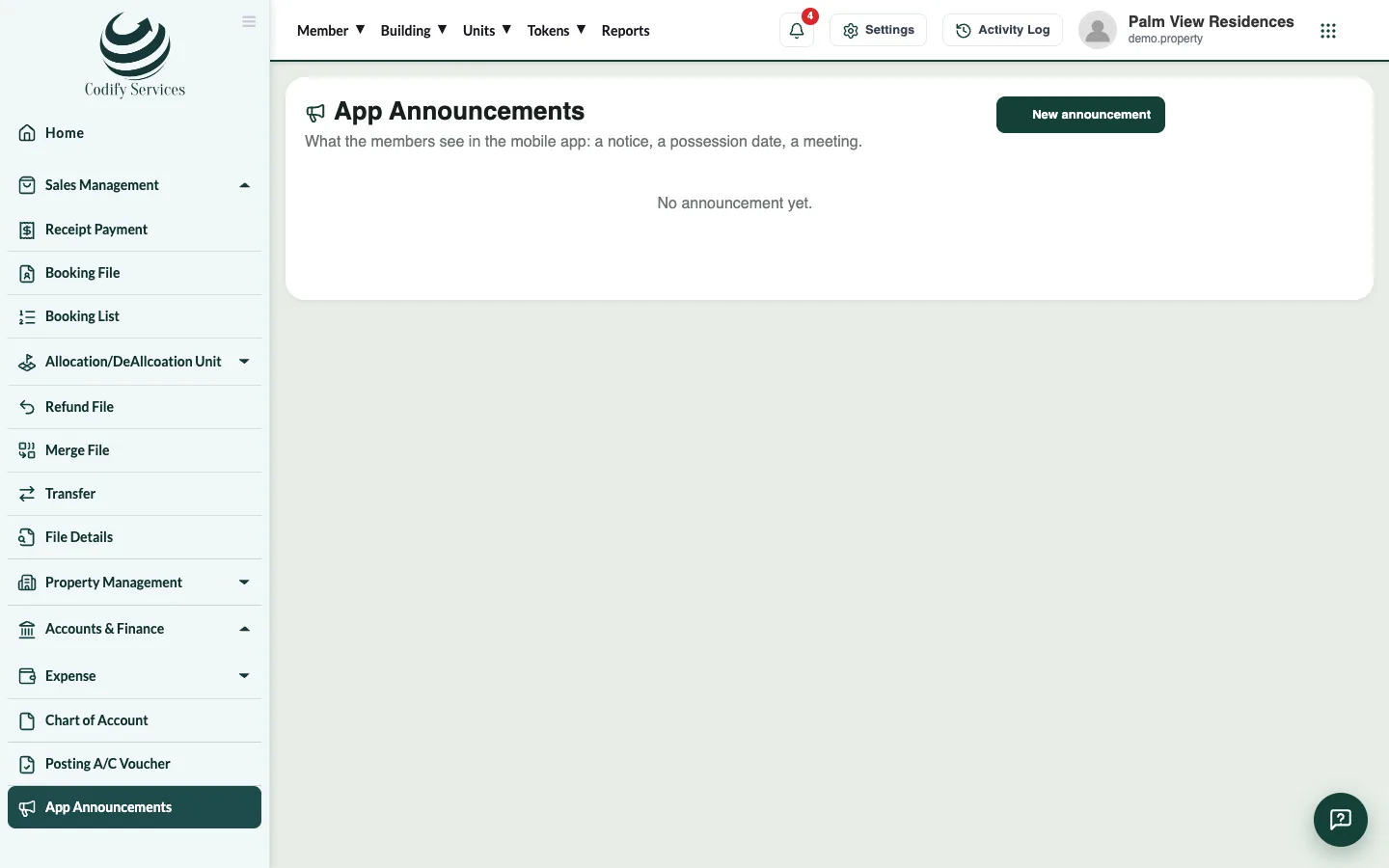
- Open Sidebar > App Announcements.
- Press New announcement.
- Enter the Title, the Message, Show from and Show until (empty: until you take it off).
- Save. Press Take off to remove it later.
Good to know
- A new member gets an app password by themselves. App Passwords on Member List makes passwords for every member who has none.
- The app login belongs to members (the buyers registered under Member). A resident added only on Units & Residents is not a member.
Related
More in Units and residents
Add towers, floors and unitsAdd all the flats, shops and offices of a tower in one go, or add a single unit with its type, size and area.Add owners, tenants and family membersAdd the residents of each unit, choose who gets the bills, bring in owners from your sales records and mark people who move out.
Ready to try it? Open Property Management