
Property Management · Building services
Book the community hall, gym or pool
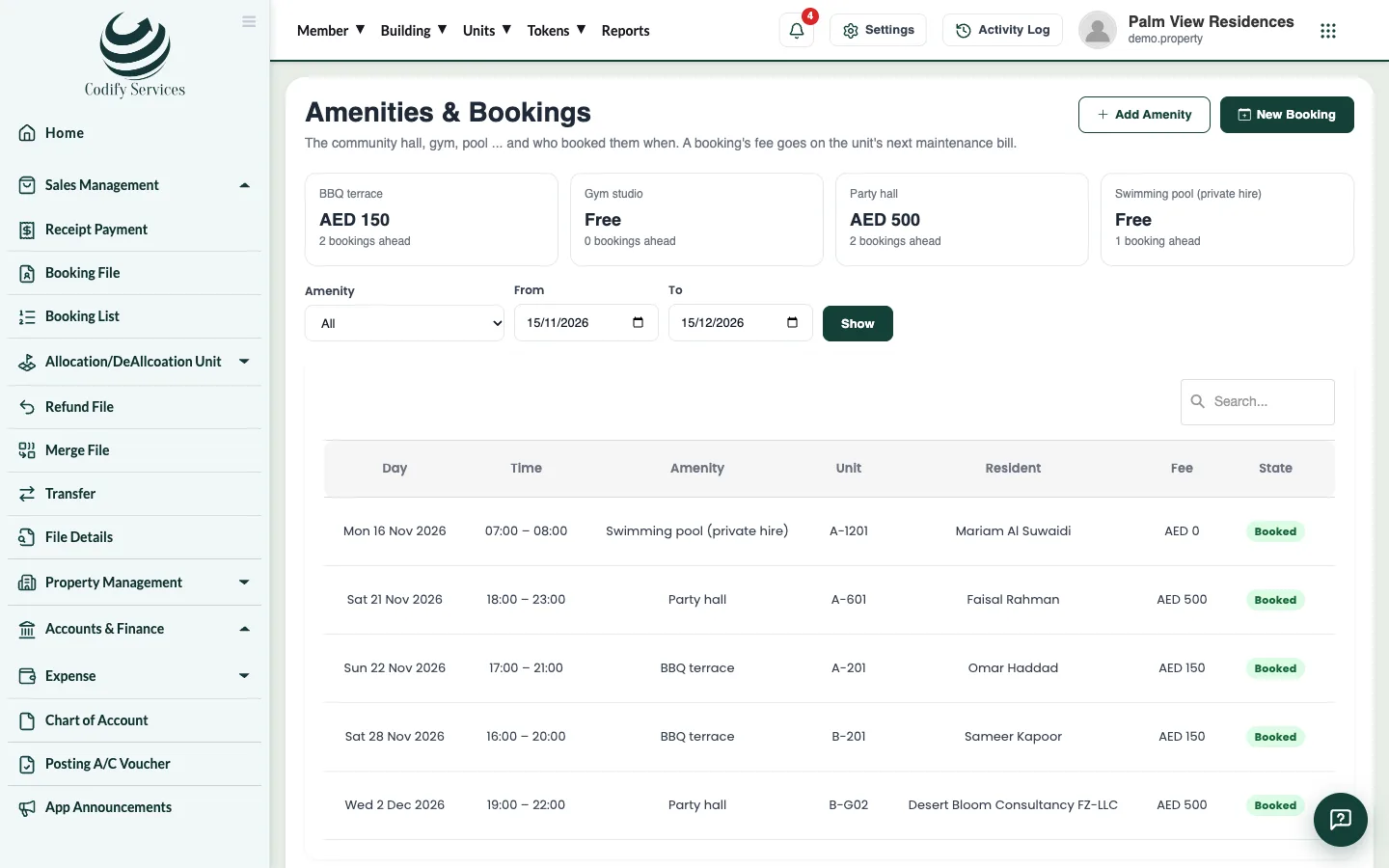
Add your amenities with a fee and rules, book them for a unit by day and time, and put the fee on the unit's next bill.
Amenities are the shared places residents can book: the community hall, gym, pool and so on. A booking's fee goes on the unit's next maintenance bill.
Steps
Add an amenity
- Open Sidebar > Property Management > Amenities.
- Press Add Amenity.
- Enter the Name, the Fee for each booking (0 = free) and the Rules.
- Keep Can be booked ticked and press Save.
Book it
- Press New Booking.
- Choose the Amenity and the Unit.
- Under Booked by, choose the resident (or The one who gets the bills).
- Choose the Day, and the time From and To.
- Add a Note if you like and press Book.
Good to know
- Two bookings of the same amenity cannot be at the same time.
- The bookings list can be filtered by amenity and dates. A booking that is on a bill shows its bill number.
- Your role needs the Amenities permission under Property Management.
Related
More in Building services
Log complaints and repairsRecord a resident's complaint or a repair, give it to someone, add notes on what was done and close it when it is fixed.Record visitors at the gateNote each visitor who comes in, for which unit, give them a 4-digit pass and mark them out when they leave.Give parking slots to unitsAdd the parking slots, give each one to a unit with its vehicle, and put a monthly parking fee on the unit's maintenance bill.Bill electricity, water and gas metersAdd each unit's electricity, water and gas meters with their rate, enter the month's readings and bill what was used.
Ready to try it? Open Property Management