
Property Management · Selling units (builder)
Allot a unit and give possession
For builders - allot a unit to a buyer's file, free it again if needed, and print the possession letter.
Allotment links a buyer's file to the exact unit. When the unit is ready, you hand it over and print the possession letter.
Steps
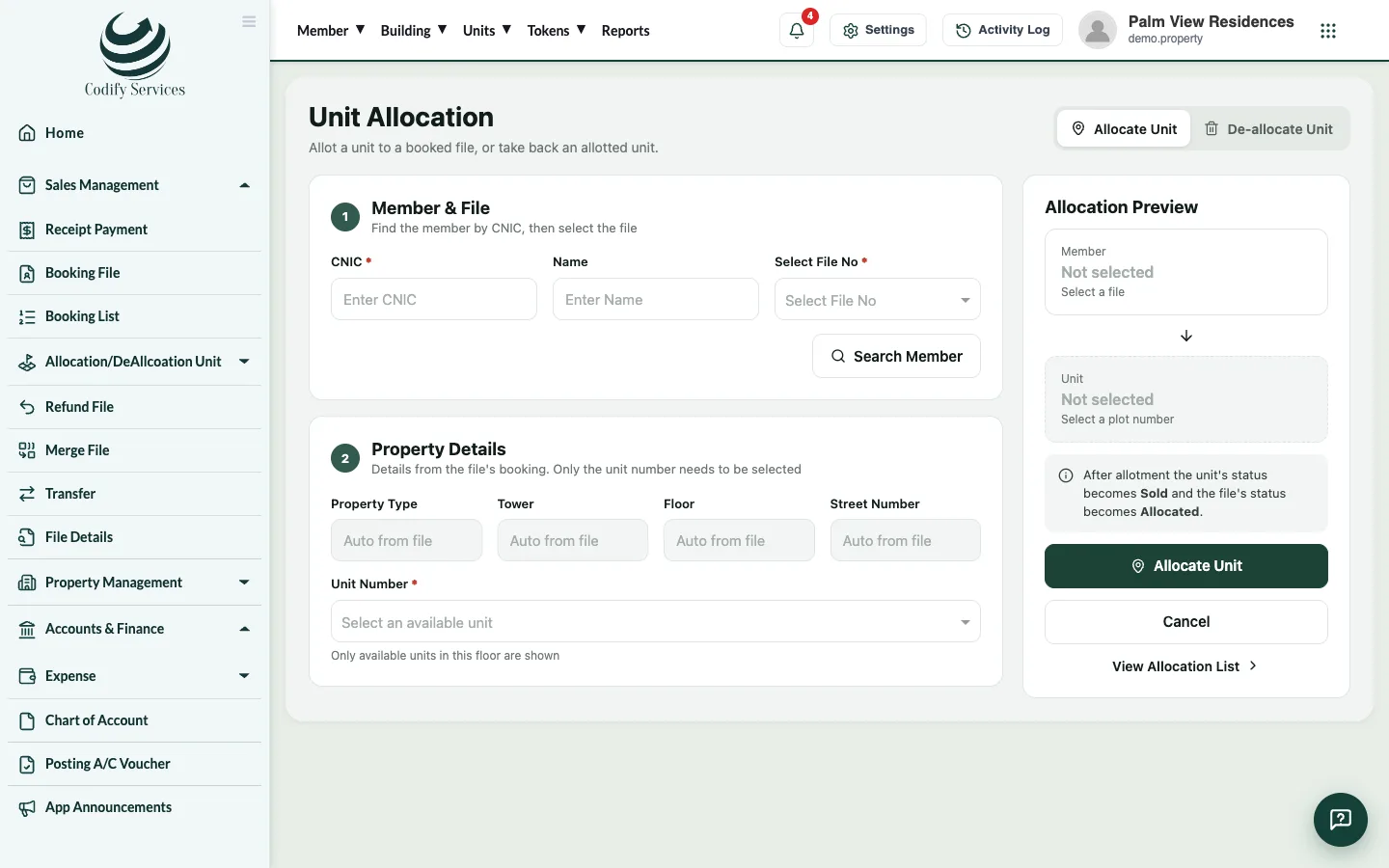
Allot the unit
- Open Sidebar > Sales Management > Allocation/DeAllcoation Unit > Allocation/DeAllocation.
- Search the buyer and choose the file (Select File No).
- Choose the tower, floor and unit.
- Allot it.
Print the possession letter
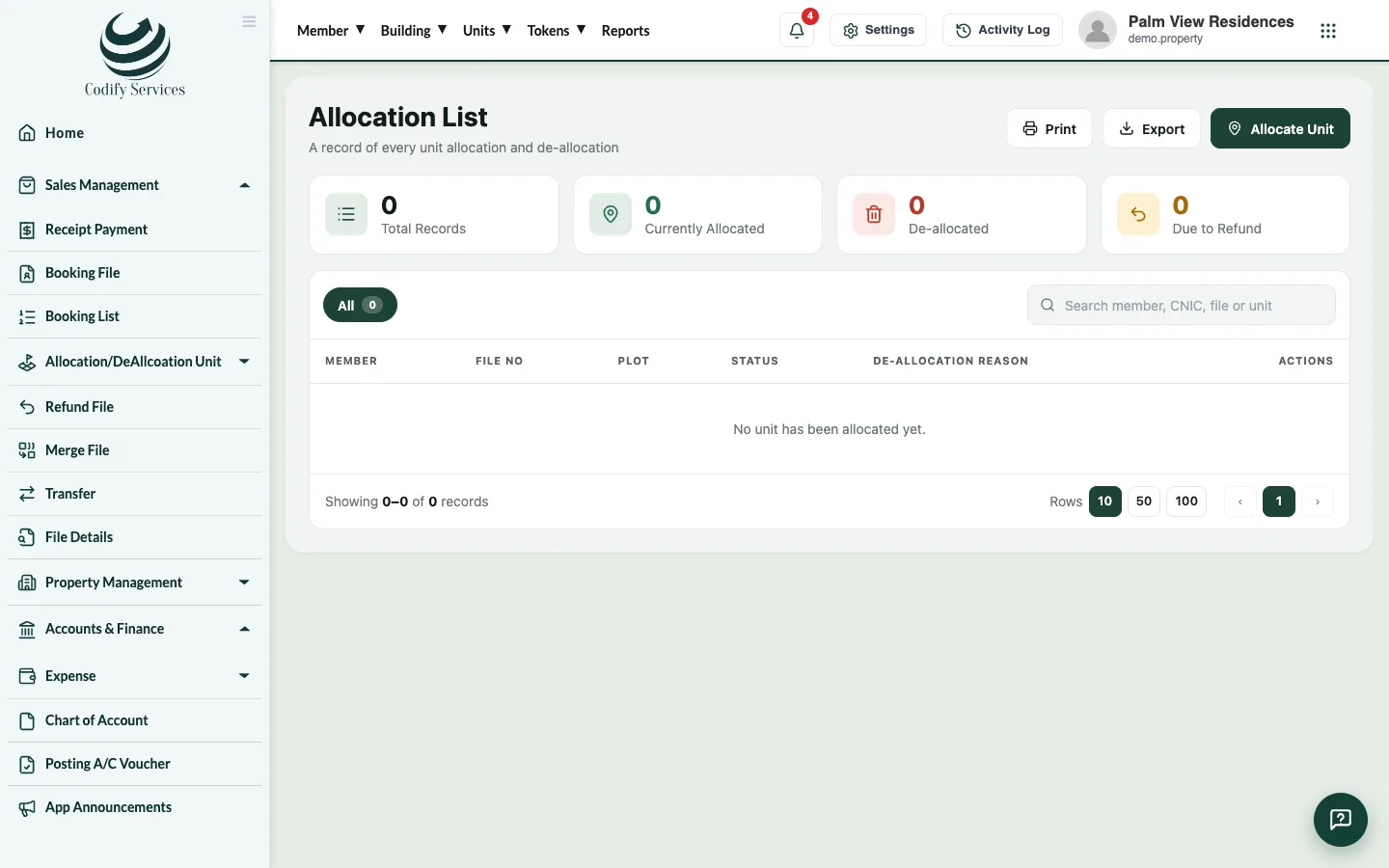
- Open Sidebar > Sales Management > Allocation/DeAllcoation Unit > Allocation List.
- Find the file and press Possession Letter.
- Fill in the Ref No, Date, Allotment Date and Possession Date.
- Press Print (or Export PDF).
Good to know
- To free an allotted unit, choose the file on the allocation page, enter the Reason and press Deallocate.
- Possession charges are usually a head of the installment plan, or an Other Charges line added from Booking List.
Related
More in Selling units (builder)
Sell a unit with a booking and installment planFor builders - book a unit for a buyer, set the price and discount, build the installment plan and add the dealer's commission.Receive a buyer's installmentFor builders - find the buyer's file, see the installment schedule, receive a payment, give a discount and print the receipt.Transfer a unit to a new ownerFor builders - transfer a sold unit's file from its owner to a new buyer, charge the transfer fee and print the transfer letter.Dealers and their commissionFor builders - add dealers and agencies with their commission rate, see what each has earned and pay their commission.
Ready to try it? Open Property Management