
Property Management · Bills and payments
Make a one-off bill, change or cancel a bill
Bill a unit for a repair, a fine or a transfer fee, add a line or a discount to a bill, and cancel a bill made by mistake.
Besides the monthly bills, you can bill a unit once for anything: a door repair, a fine or a transfer fee. You can also add a line (or a discount) to any bill, or cancel a bill that was made by mistake.
Steps
Make a one-off bill
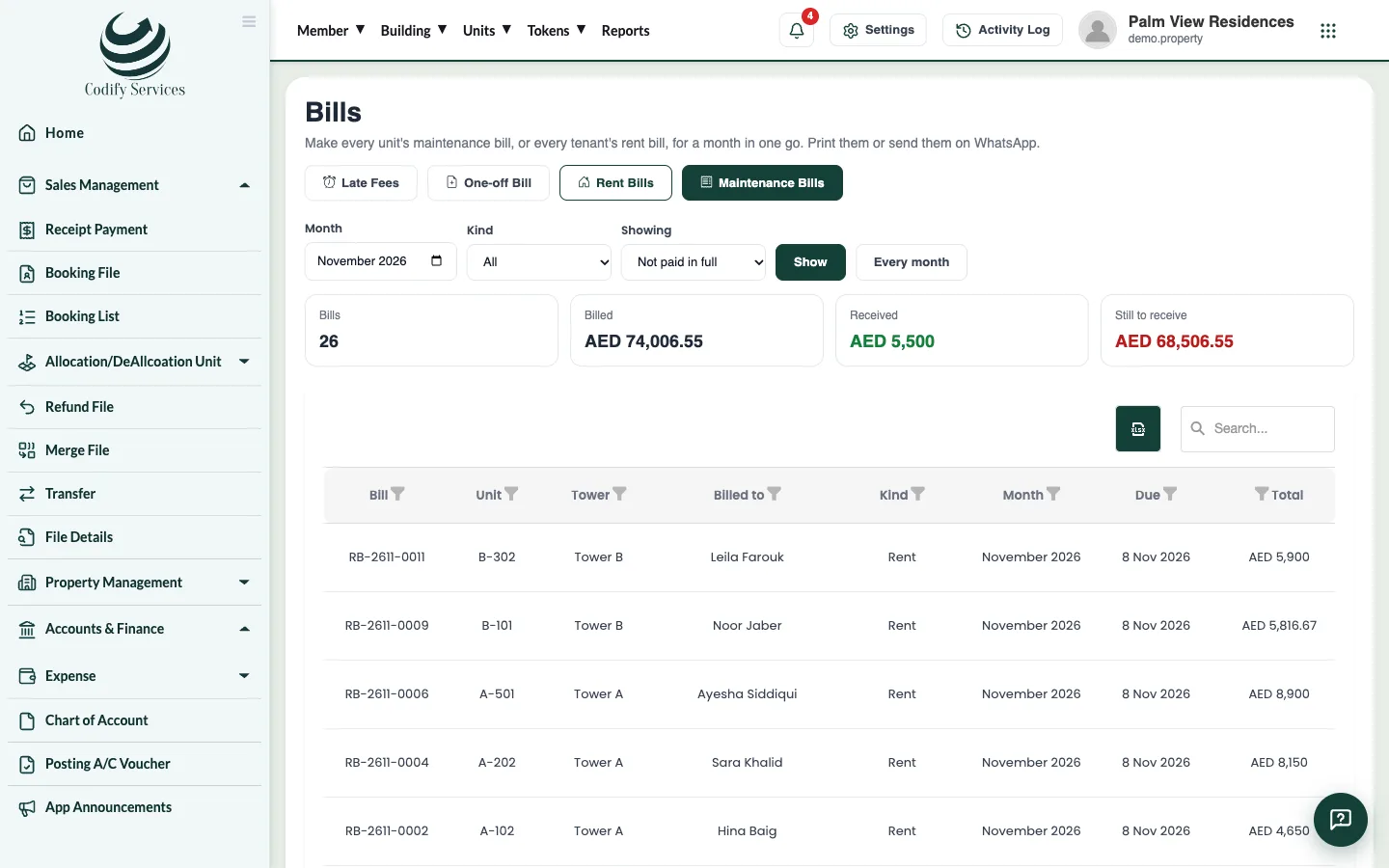
- Open Sidebar > Property Management > Bills.
- Press One-off Bill.
- Choose the Unit.
- Enter what it is For (for example "Door repair") and the Amount.
- Check the Bill date and Due date, and add a Note if you like.
- Press Make the bill.
Add a line or a discount to a bill
- Open the bill from the list.
- Under A line more, type the description and the Amount (− for a discount). A discount is an amount below 0.
- Press Add.
Cancel a bill
- Open the bill.
- Press Cancel Bill.
Good to know
- A bill can be cancelled only before any money is received on it. If money was received, cancel the receipt first (see Receive a payment and print the receipt).
- A one-off bill shows with the kind Other. A payment can pay "Other bills only".
- To change a meter reading that is on a bill, cancel that bill first, change the reading, then make the bill again.
Related
More in Bills and payments
Set the monthly maintenance chargesDecide what each unit pays every month: a fixed amount or a rate per sq ft, for every unit or one type, lived-in units only if you like.Make every unit's maintenance bill in one clickMake the month's maintenance bill for every unit at once, with its charges, meter readings, parking and amenity bookings, then print or WhatsApp it.Receive a payment and print the receiptRecord money received from an owner or tenant, pay the unit's bills oldest first, print the receipt, or cancel a bounced cheque.Add late fees and follow up duesAdd the late fee to every overdue bill in one click and see who owes how much and for how long.
Ready to try it? Open Property Management