
Property Management · Leases and rent
End a lease and give the deposit back
Record the security deposit, end a lease when the tenant moves out, return the deposit and find empty units.
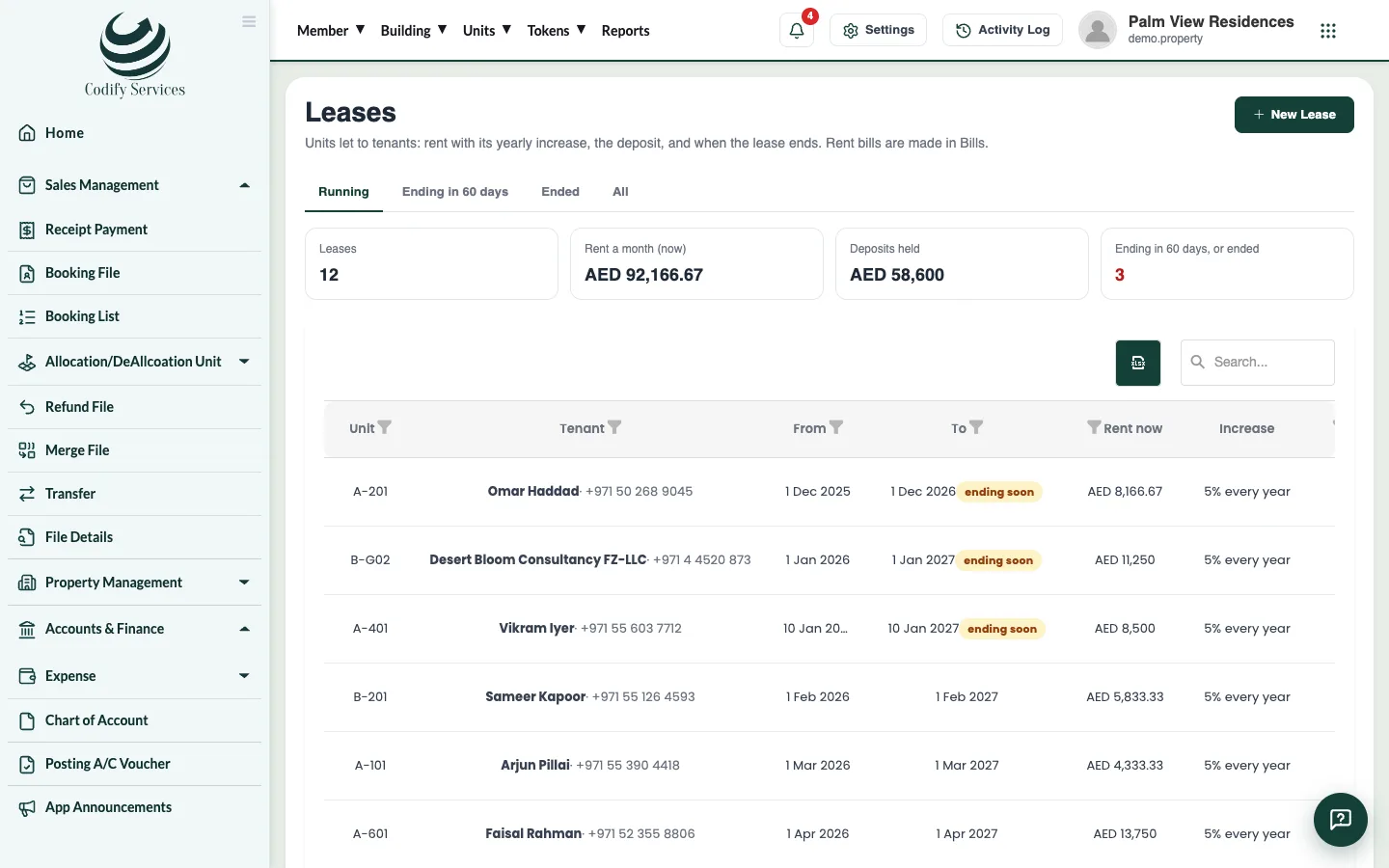
The lease page keeps track of the security deposit: what was received and what you still hold. When the tenant leaves, you end the lease and give the deposit back.
Steps
Record the deposit
- Open Sidebar > Property Management > Leases.
- Press Deposit received on the lease's line.
- Enter the Amount and How (cash, cheque no. ...), and press Save.
End the lease
- Press End the lease on the lease's line.
- Check the Rent still due and the Deposit to give back.
- Enter the Last day and a Note.
- Press End the Lease.
Give the deposit back
- Press Give the deposit back on the lease's line.
- Enter the Amount and how it was paid, and press Save.
Good to know
- No rent is billed after the lease ends.
- Ending a lease also marks the tenant as moved out of the unit (unless they have another running lease), so they stop getting its bills.
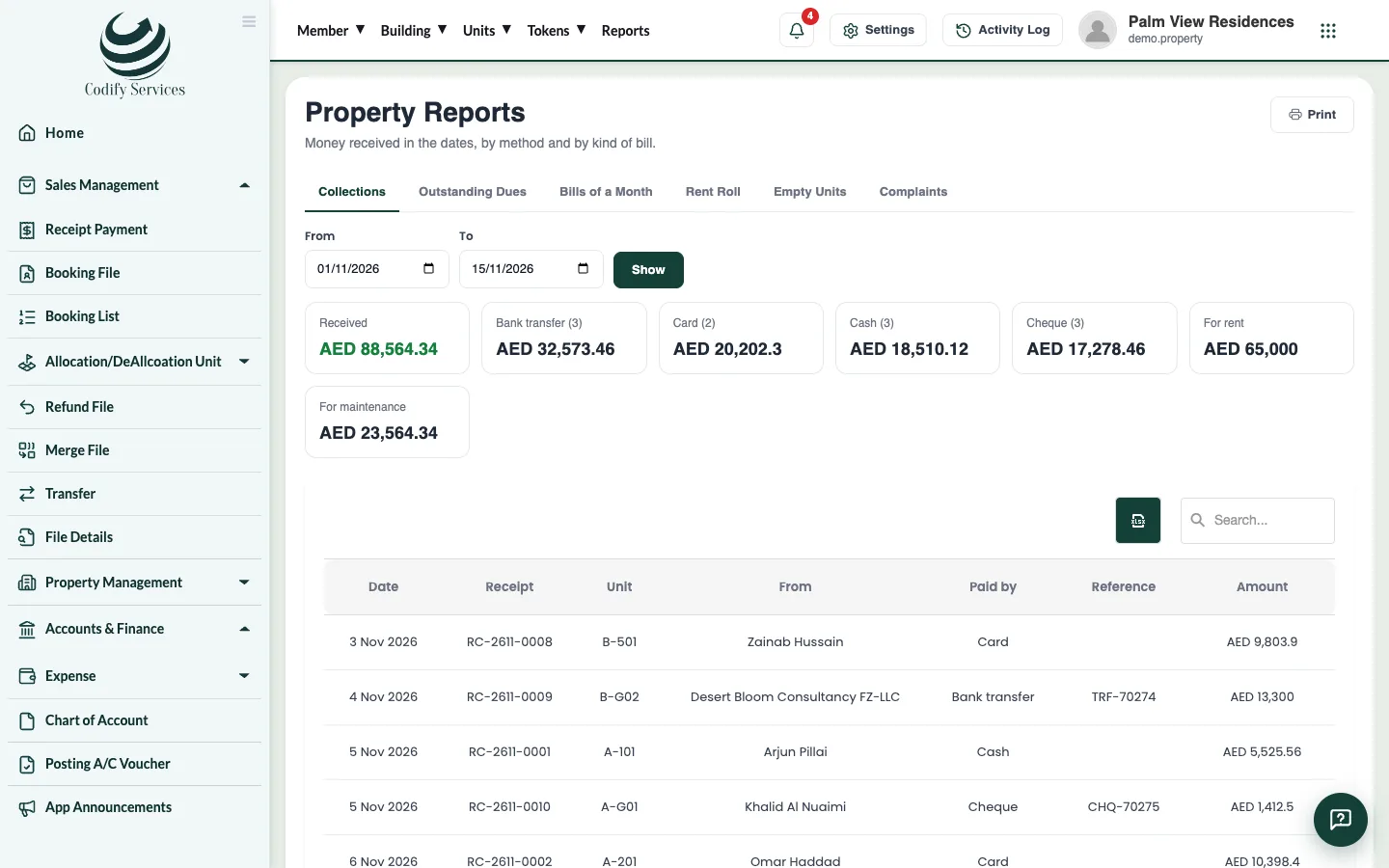
- The Empty Units report lists units no one lives in, and leases ending in 60 days.
Related
More in Leases and rent
Ready to try it? Open Property Management