
Accounts & Finance · Reports
Daily report and day closing
See every voucher of one day in the day book, and the day closing summary of collections, deposits and payments, then print or email it.
The Daily Report (day book) lists every voucher of a day. Daybook Closing sums up the day: what was received, deposited and paid out, by payment method.
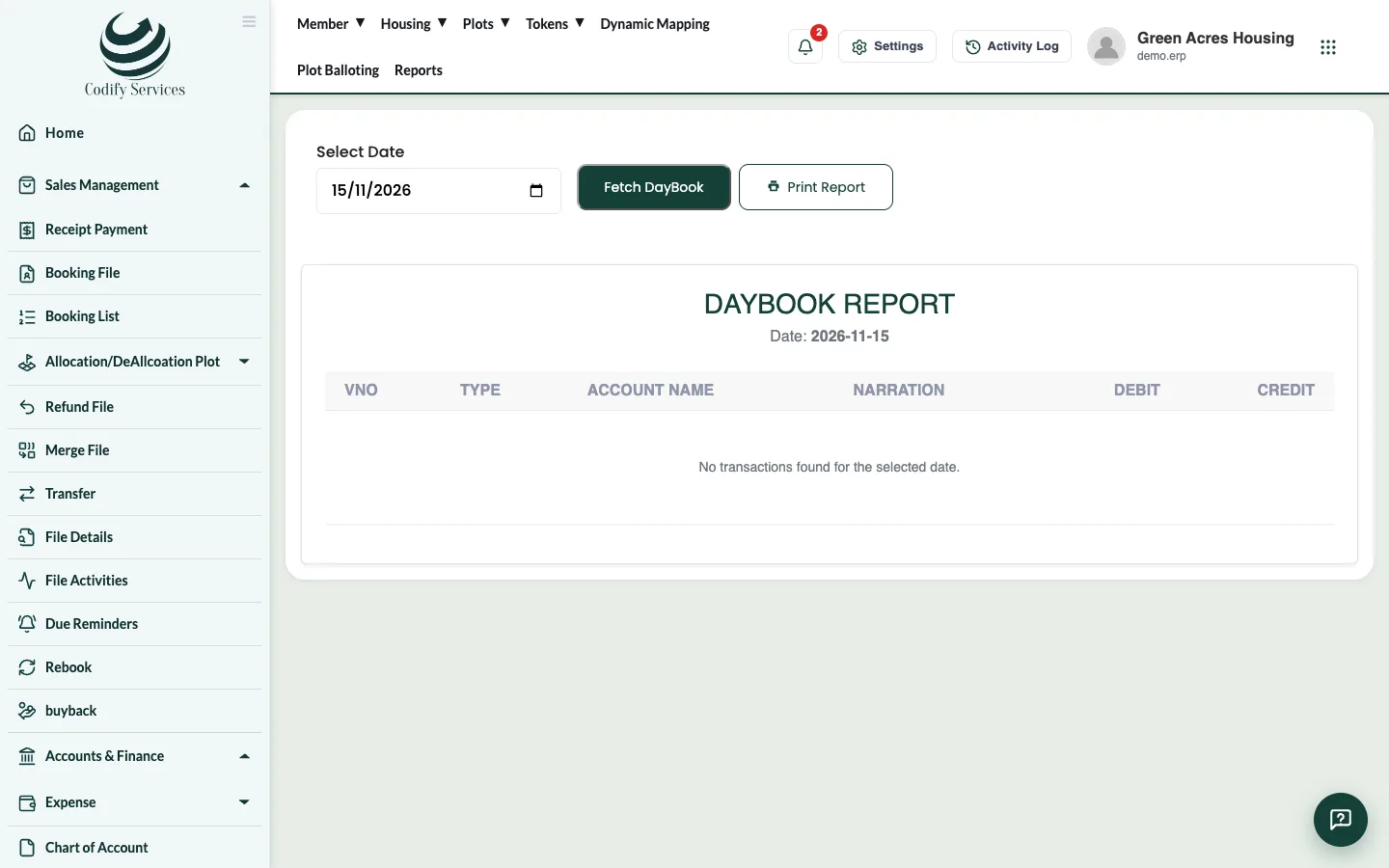
Steps: daily report
- Press Reports in the top menu.
- Open Finance & Accounts > Daily Report.
- Choose the date in Select Date and press Fetch DayBook.
- Press Print Report.
Steps: day closing
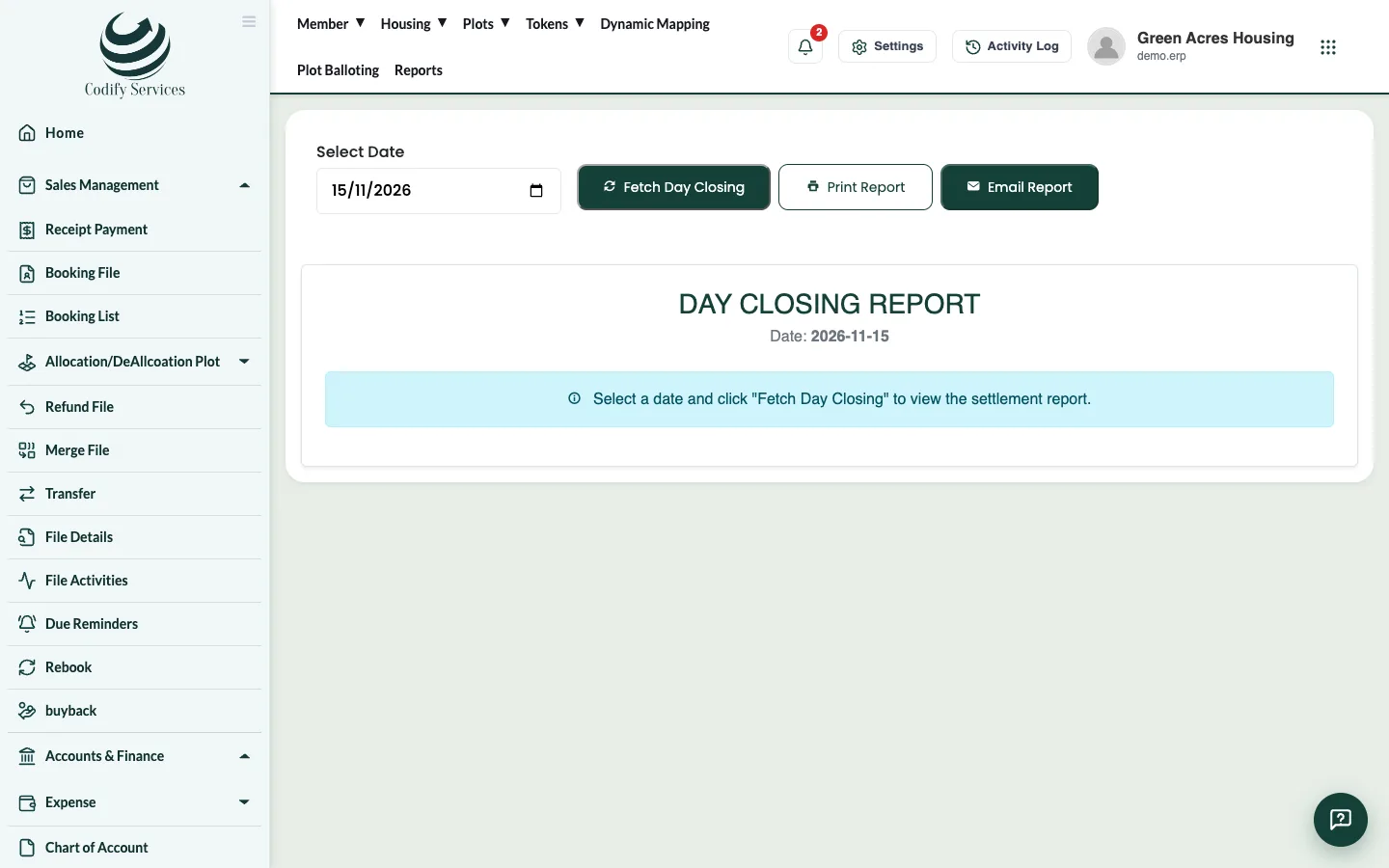
- Open Finance & Accounts > Daybook Closing.
- Choose the date and press Fetch Day Closing.
- Check Received Today, Deposits Today, Paid Out and the Payment Methods breakdown.
- Press Print Report or Email Report.
Good to know
- Only posted entries appear. Post the day's receipts in Posting A/C Voucher first.
- "Today" follows your company's time zone in Settings.
Related
More in Reports
View an account's ledgerSee every entry of one account for a period with the opening balance, debits, credits and running balance, then print or export it.Run the trial balanceSee the opening balance, debits, credits and closing balance of every account for a period, as a tree or net balances.Profit and loss statementSee your income, expenses and profit or loss for any period.Balance sheetSee your assets, liabilities and equity for a period, with a breakdown of your assets.Cash flow statementSee the cash your society received and paid out in a period.
Ready to try it? Open Accounts & Finance